A documented comparison of three prompt workflows
This is a documentation comparison, not a hands-on benchmark. Prompeteer publishes this guide and is one of the products compared. The descriptions below were compiled with AI assistance from the linked public product documentation on September 14, 2026. No paid account, production workload or customer outcome was tested for this comparison.
Choose by the work you need to do: create reusable instructions from your own context, manage prompt versions in an application, or improve an existing prompt against an evaluation dataset. The suggested fit is our interpretation of documented capabilities, not a ranking of output quality.
Scroll the table to review all 5 columns.
| Tool | Documented workflow | What you bring | When to consider it | Boundary to check |
|---|---|---|---|---|
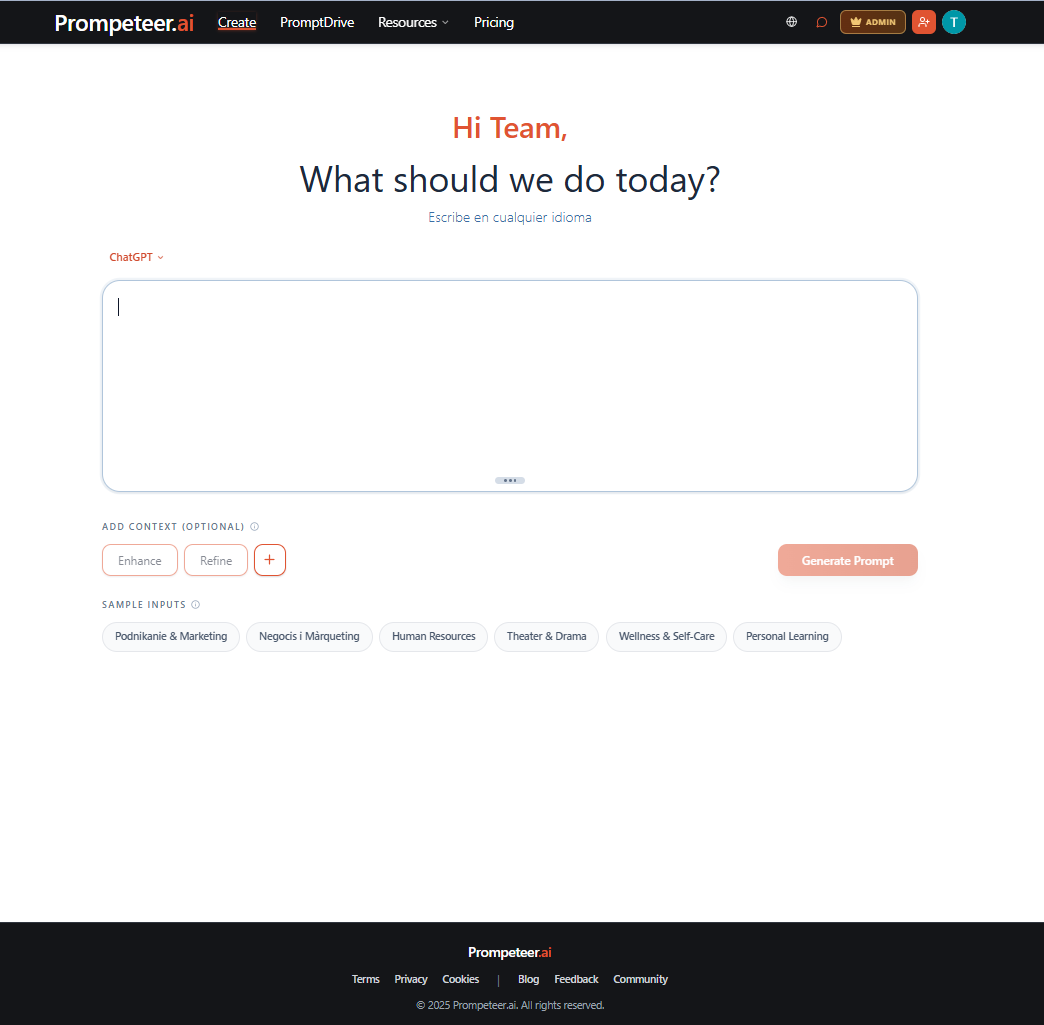
| Prompeteer | Create contextual prompts and SKILL.md instructions; review Prompt Score feedback and save work in PromptDrive. | A task, relevant sources and a supported destination tool. | You want reusable prompts or portable skills for work across tools. | Prompt Score does not certify the future answer. Memory upload and Ask Memory require Pro or Enterprise; AI Discovery private reports require authorized Beacon workspace access; confirm the separate workspace entitlement. |
| PromptLayer Prompt Registry | Version prompt templates, test them in Playground, deploy versions through release labels, and inspect prompt logs. | An application workflow, prompt templates, test inputs and model configuration. | Your team needs a system of record for prompt iteration and application releases. | Check your provider integration and required release controls in its current documentation and plan. This guide has not tested runtime behavior. |
| OpenAI prompt optimizer | Revise a prompt using dataset responses, human annotations or grader results. | An evaluation dataset with at least three response rows and a grader result or annotation for each. | Existing Evals users evaluating a prompt and planning their migration. | The dataset-backed optimizer is being deprecated. Evals becomes read-only October 31, 2026, with shutdown scheduled November 30, 2026. Verify the current migration notice before adopting it. |
What the comparison can and cannot tell you
The same requirement can lead to different choices. A team shipping prompts into an application may prioritize version history and deployment labels. A practitioner preparing instructions for several tools may prioritize context intake and export. Neither a longer feature list nor a prompt-structure score proves that a tool produces more accurate answers.
Pricing, data handling, supported providers and account entitlements can change. Check the linked documentation and the actual plan before committing. Missing documentation in this table is not evidence that a competing product lacks a feature.
Run the same task before making your choice
Use one representative task and the same approved source material in each shortlisted tool. Include a deliberately missing fact, a required output format and a revision request. Keep the target model and settings comparable when measuring generated answers.
Record the prompt, preserved constraints, corrections needed, exported artifact and time to retrieve it later. Have a reviewer inspect results without product labels when practical. Report failed runs and setup time alongside successes. These are suggested evaluation steps; no such cross-vendor test is claimed here.
- For a first draft, check whether the instruction preserves your actual goal and facts.
- For ongoing application work, inspect version selection, release control and rollback behavior.
- For portable skills, inspect the exported instructions, license and client requirements.
- Use a separate held-out example to check that a revision did not only fit the original test.